
Network Intelligence
Mining Your Network for Insight
How technical job seekers can prepare LinkedIn archive data for RavenAgent without confusing contacts with trust.
“A LinkedIn export is not a referral engine. It is a starting map for deciding which relationships deserve human review.”
The modern job seeker often owns more network data than they realize. Some of it is obvious: names, titles, companies, and connection dates. Some of it is hidden inside platform exports: invitations, messages, recommendations, follows, saved jobs, and application history. The opportunity is not to dump that data into an AI tool and ask for magic. The opportunity is to prepare it, inspect it, and turn it into search context RavenAgent can reason over without pretending a connection is the same thing as trust.
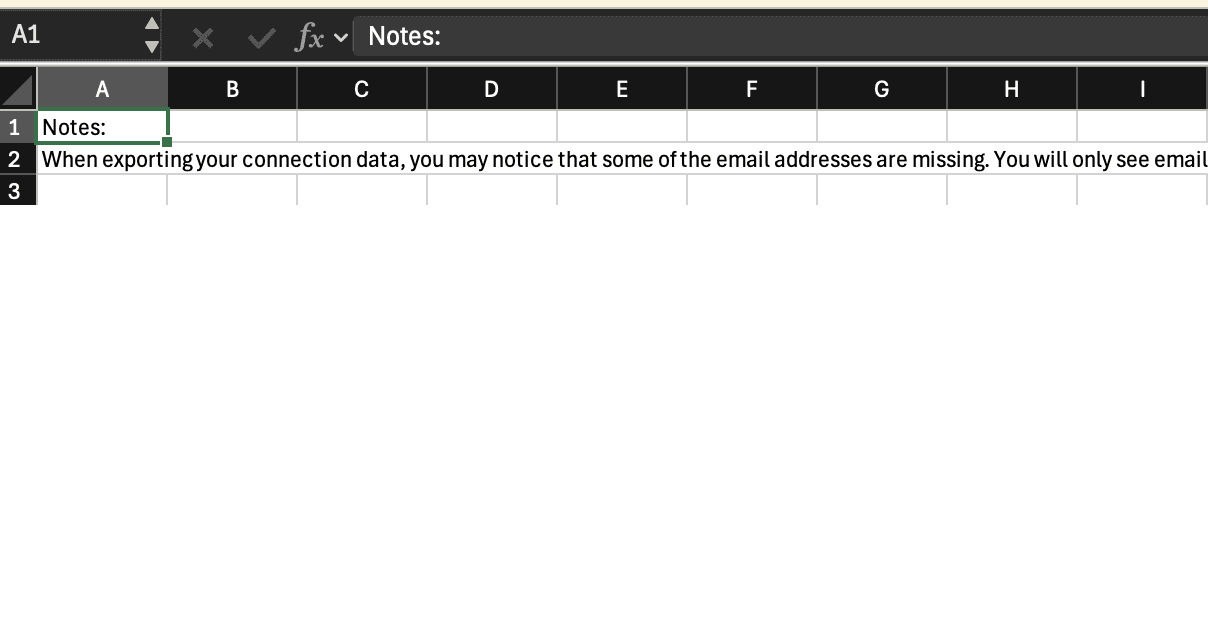
LinkedIn documents two relevant paths. Members can request account data from Settings & Privacy, Data Privacy, and “Get a copy of your data.” LinkedIn says a larger download may arrive by email within 24 hours and the download link remains available for 72 hours. LinkedIn also documents a connection-export path that uses the larger archive option, including connections, verifications, contacts, account history, and inferred profile/activity information. It also warns that some connection email addresses may be missing because members control whether their email address can be downloaded by connections.
That matters for ResumeRavenPro because the product’s network intelligence guidance is intentionally conservative. ResumeRavenPro support guidance says the recommended starting point is a LinkedIn data archive that includes connection data, but also draws a bright line: a connection does not prove closeness, a referral, or willingness to help. It is relationship evidence that needs review, ranking, and respectful outreach.
The practical workflow
For a technical user, VS Code and Codex can make the first pass more disciplined. Codex’s official
IDE documentation says the extension can read, edit, and run code, and can use open files,
selections, and @file references for context. In this workflow, that means Codex is not being
asked to “network for you.” It is being asked to help inspect files, identify columns, normalize
headings, write a cleanup script, or produce a review CSV that a human can inspect.
A sensible sequence looks like this:
- Request the LinkedIn archive from LinkedIn’s data privacy settings.
- Store the ZIP locally in a private working folder.
- Extract or inspect the archive only on a trusted machine.
- Open the relevant CSV files in VS Code.
- Use Codex to help map fields, remove malformed rows, and identify duplicates.
- Produce a smaller review file with name, company, title, profile URL, connection date, and any source file indicators.
- Import only reviewed records into ResumeRavenPro.
- Use targeted enrichment where it supports a clear search objective.
The discipline is in step six. A cleaned contact list is not the goal. A reviewable network map is the goal.
What enrichment should and should not do
Targeted enrichment is most useful when the job seeker already has a role lane, company list, or Top 25 focus. ResumeRavenPro’s product FAQ frames network intelligence as a way to import contacts, enrich records, discover careers pages, collect job signals, and reason about warmer paths toward relevant roles. That is a different posture from mass outreach.
The stronger question is not “Who can I message?” It is “Which companies become more reachable when I combine my target roles, my proof, my known contacts, and the listings I care about?”
“The right output from network mining is not a blast list. It is a ranked set of relationships worth thinking about carefully.”
What RavenAgent can do with prepared context
ResumeRavenPro’s RavenAgent guidance says it can use selected document context, semantic knowledge-base matches, compare history, contacts, job-listener signals, candidate profile records, and resume generation records. It also says networking questions should route to contacts, job listeners, and relevant files. In practice, that gives the user a better question set:
- Which contacts are attached to my active companies?
- Which companies in my Top 25 list have any existing network signal?
- Which connections look stale but potentially relevant?
- Which contacts deserve human review before outreach?
- Which career pages or job listeners should I seed from enriched company data?
The important phrase is “human review.” ResumeRavenPro guidance consistently avoids autonomous outreach. Network intelligence should make the next human decision better, not replace the human decision.
Sources
- LinkedIn Help: “Download your account data” documents the Settings & Privacy flow, larger download timing, 72-hour availability, and data limitations: https://www.linkedin.com/help/linkedin/answer/a1339364
- LinkedIn Help: “Export connections from LinkedIn” documents the larger archive option and notes missing email-address limitations: https://www.linkedin.com/help/linkedin/answer/a566336/export-connections-from-linkedin
- OpenAI Codex IDE docs describe Codex as a coding agent that can read, edit, and run code in the IDE: https://developers.openai.com/codex/ide
- OpenAI Codex IDE feature docs describe file references and editor context: https://developers.openai.com/codex/ide/features
- ResumeRavenPro product and support documentation were used to verify product capability descriptions.